Everything you need to stop zoning by hand.
Upload an Expedia hotel association file, zone it visually, and keep it here - editable, checkable, and exportable for as long as you need it.
Your hotel file library
Every hotel association file, saved and ready to reopen.
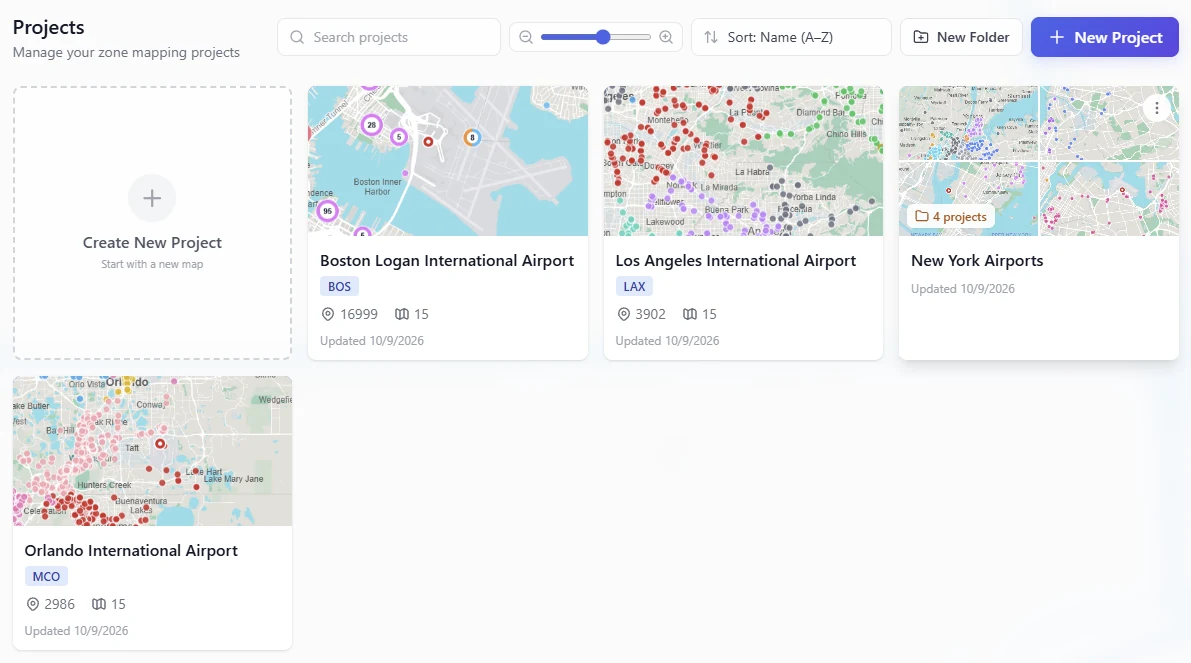
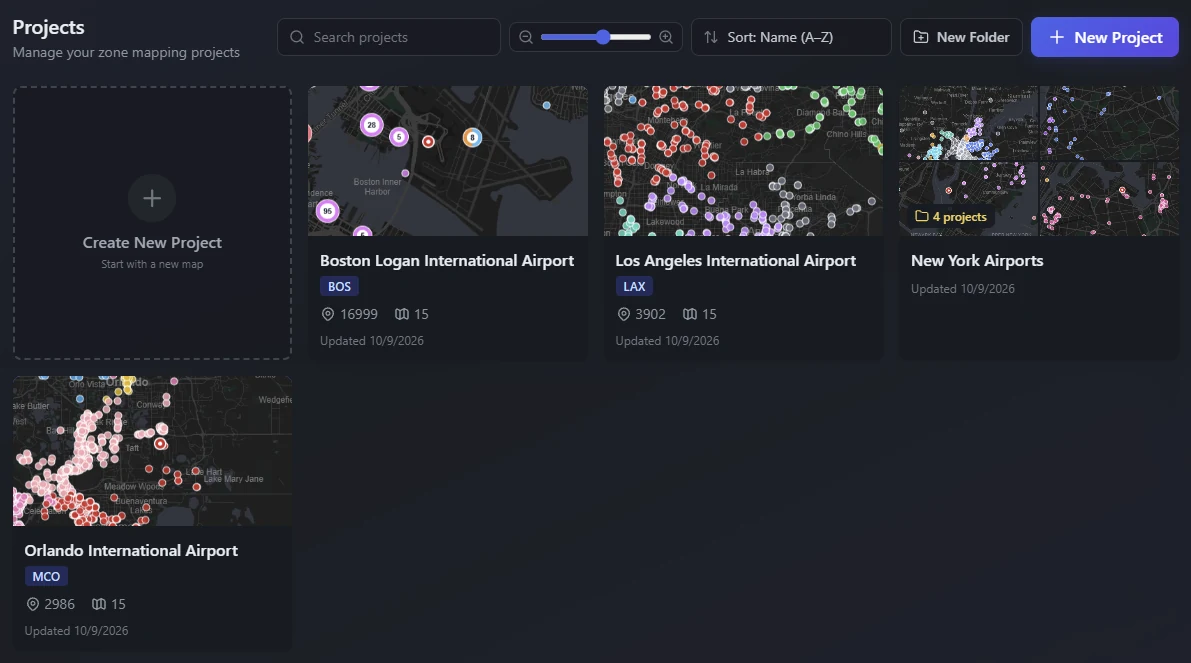
This is the part that changes how the job feels. A hotel file is not a one-off import here - it is a project that stays. Open it next week, next month, or next year and it is exactly where you left it: same hotels, same zones, same map view, same airport. Group projects into folders per market, per client, or per season.
- One project per hotel file - reopen, edit, and re-zone at any time
- Folders to group projects by airport, client, or season
- Each project remembers its airport, its zone rules, and its map view
- Card view with a map thumbnail so you can spot the right file at a glance
Version history
Every past state of a file is still here - and restorable.
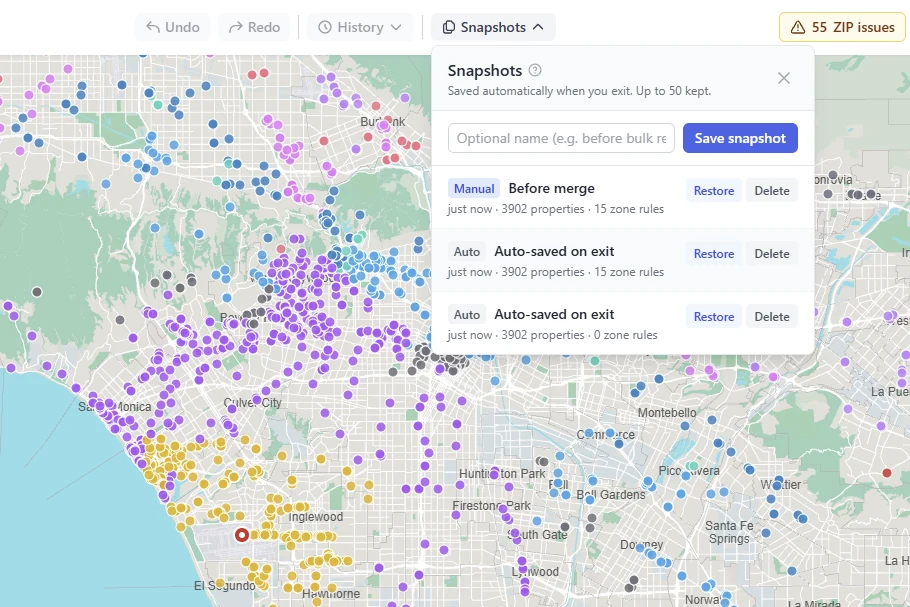
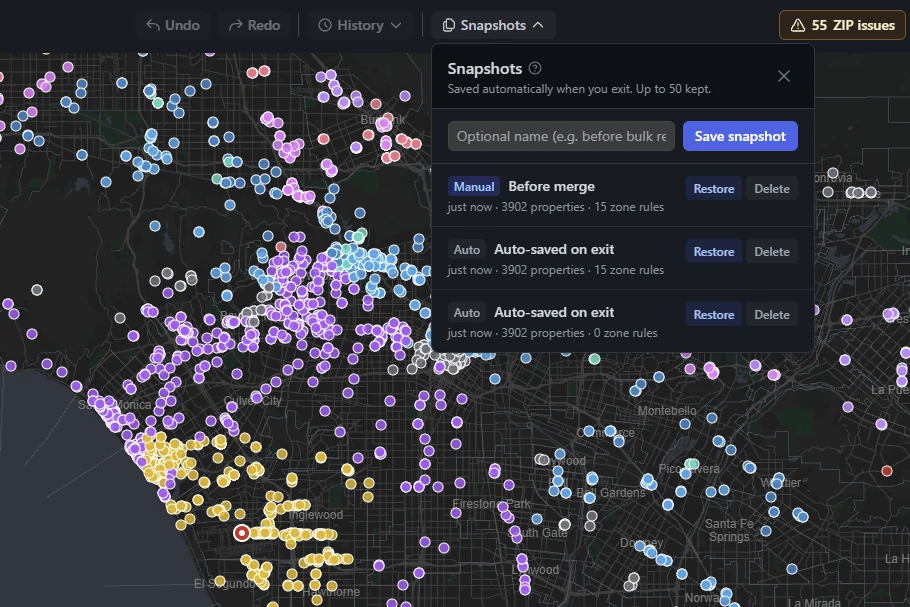
A version is captured automatically each time you leave a file, and you can name a checkpoint yourself before any risky change. If a re-zone went wrong, or you just want to see what the file looked like before the last update came in, open the history and restore it. No more folders full of final_v3_USE_THIS.xlsx.
- Automatic version on exit, plus checkpoints you name
- Up to 50 versions kept per file
- Each version shows what changed and when
- Restore any version in full - hotels, zones, and rules together
The map
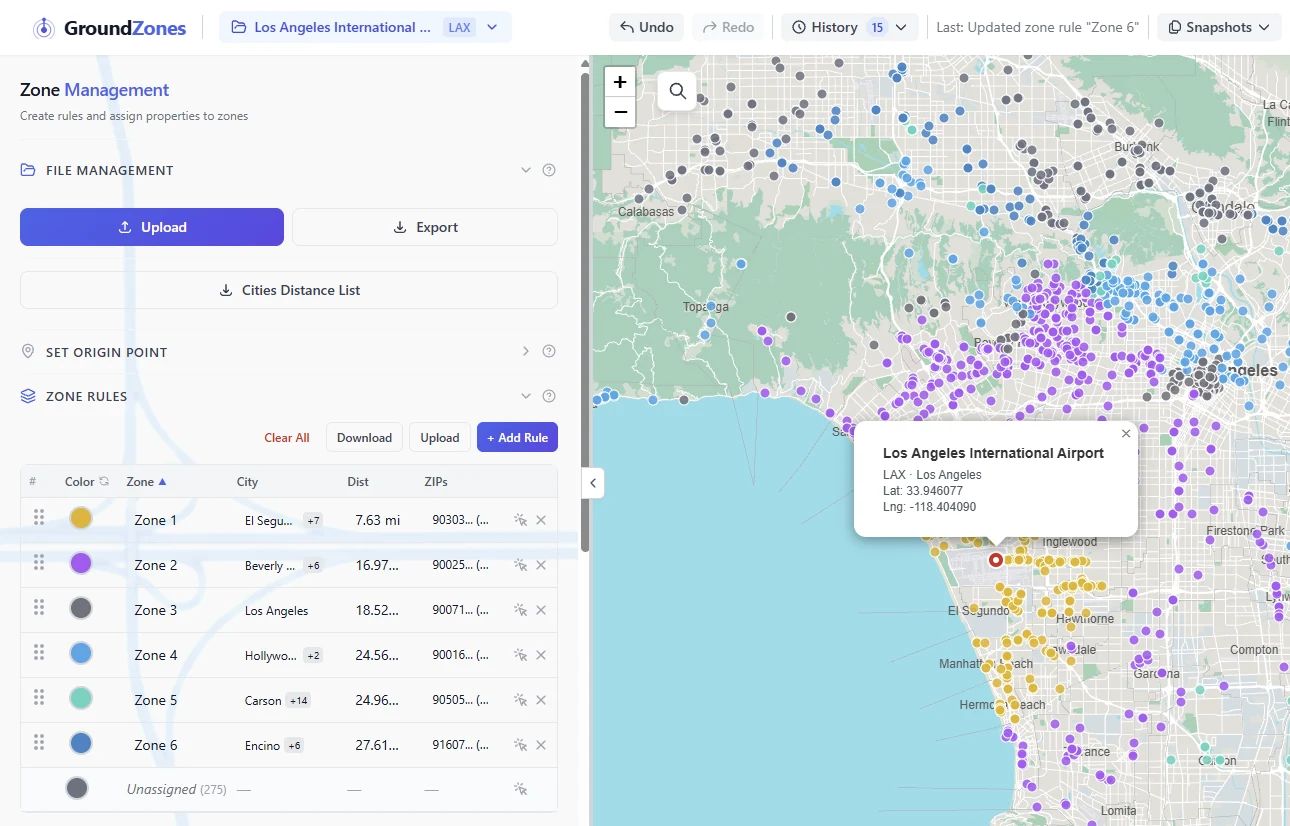
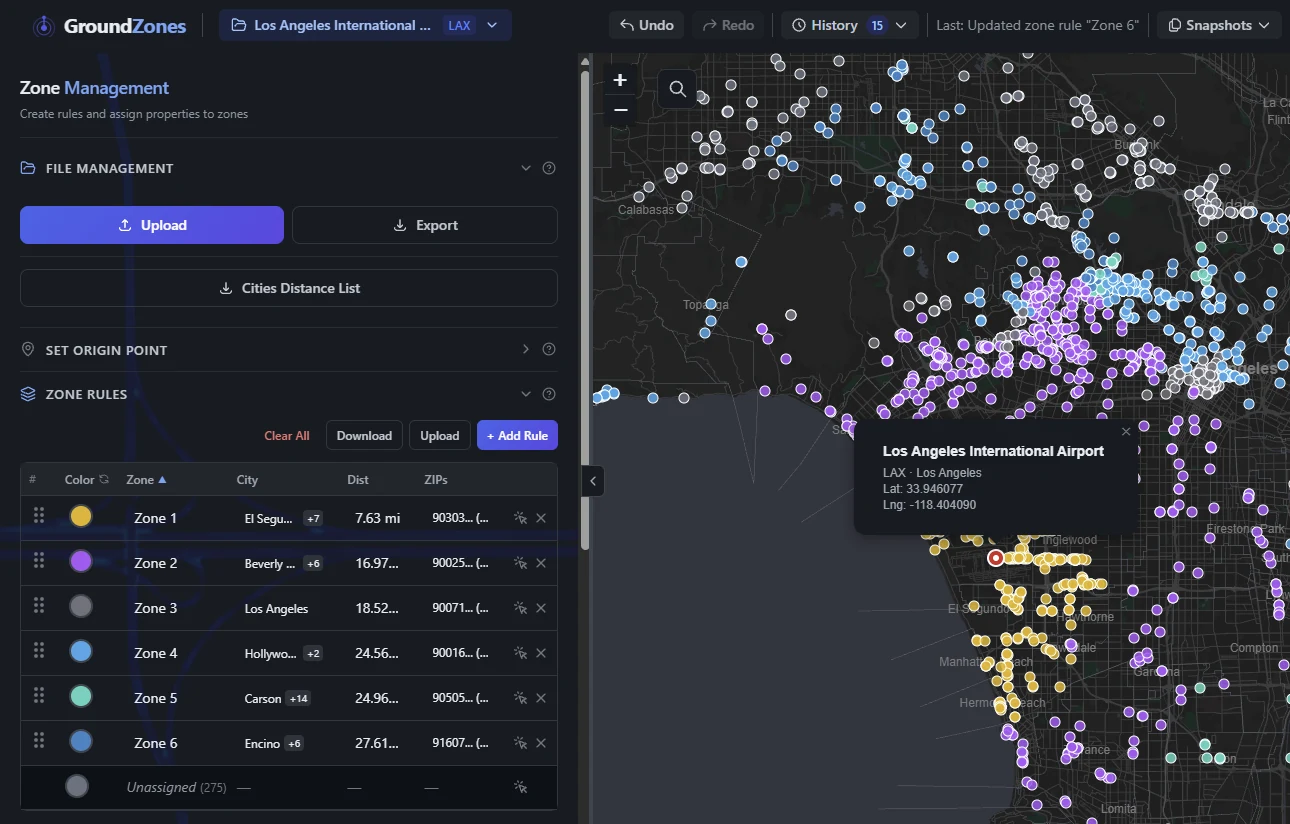
Every hotel as a pin, coloured by its zone.
The whole point. Instead of reading addresses and imagining geography, you look at it. Zone colours make an outlier obvious - one red pin in a block of blue is a mistake you can see. ZIP and city boundaries can be layered underneath, and a table view sits alongside the map when you want the numbers.
- Colour-coded pins, adjustable marker size, per-zone show/hide
- ZIP code and city boundary overlays, with layer ordering
- Table view beside the map - sort, inspect, and edit rows directly
- Search an address to jump straight to it on the map
The table, wired to the map
Everything you liked about the spreadsheet. Connected to something.
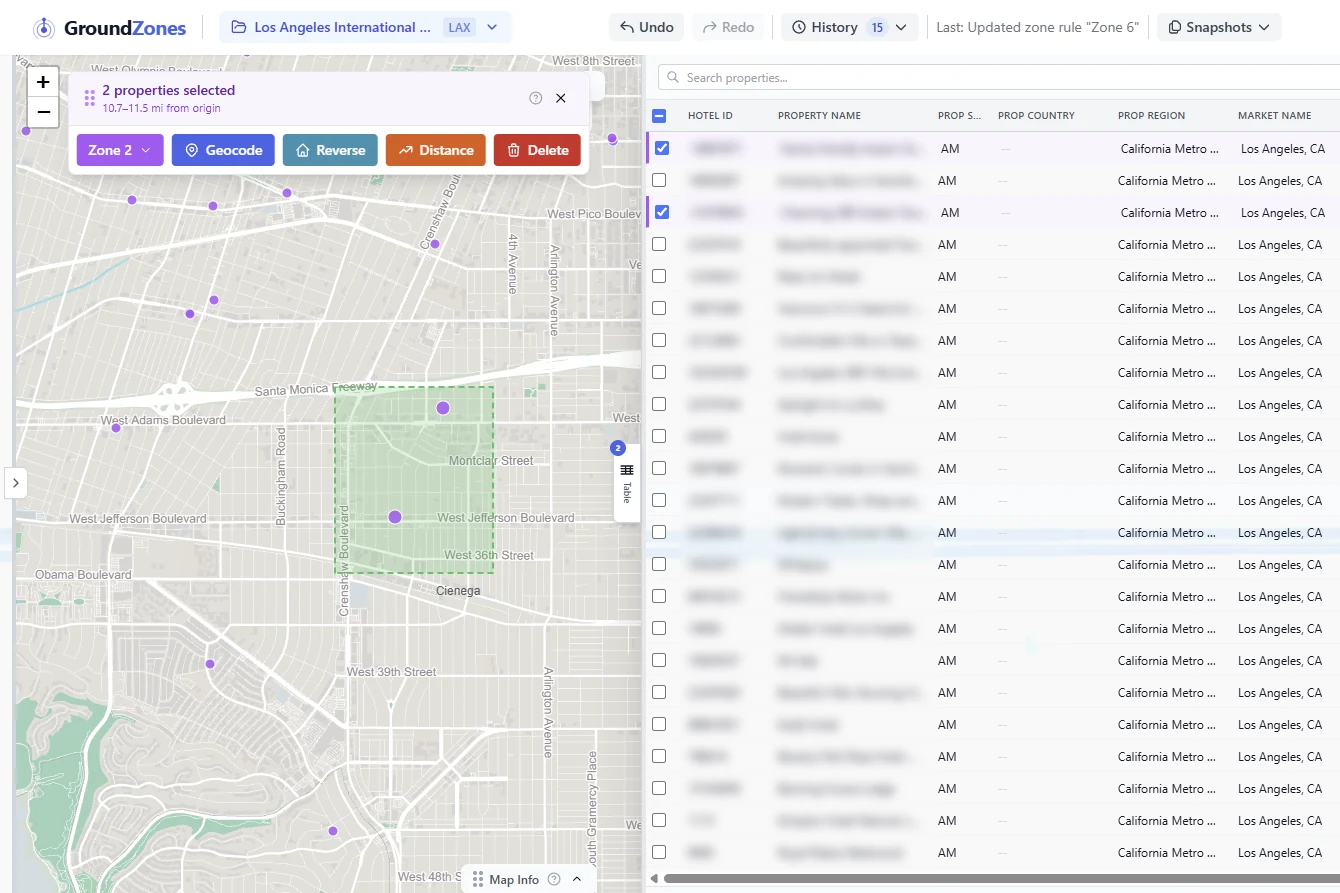
Slide the table out from the right and your file is there in full - your columns, your headers, in the order you uploaded them. It is not a read-only summary: edit any cell, change a zone from a dropdown, sort, search, filter, drag the columns wider. What makes it different from Excel is that it shares one selection with the map. Tick rows and those pins light up. Lasso pins and the table scrolls to them with the boxes already checked.
- One selection across both views - check a row and the pin highlights, and the reverse
- Tick "Selected" to turn a lasso on the map into a spreadsheet of exactly those hotels
- Your own columns, your own header names, in your original order - and resizable
- Edit any cell inline; change a zone and the pin re-colours immediately, undo included
- Search, filter by zone, sort any column, or double-click a row to fly the map to it
Batch re-zone
Select what you can see. Reassign it in one click.
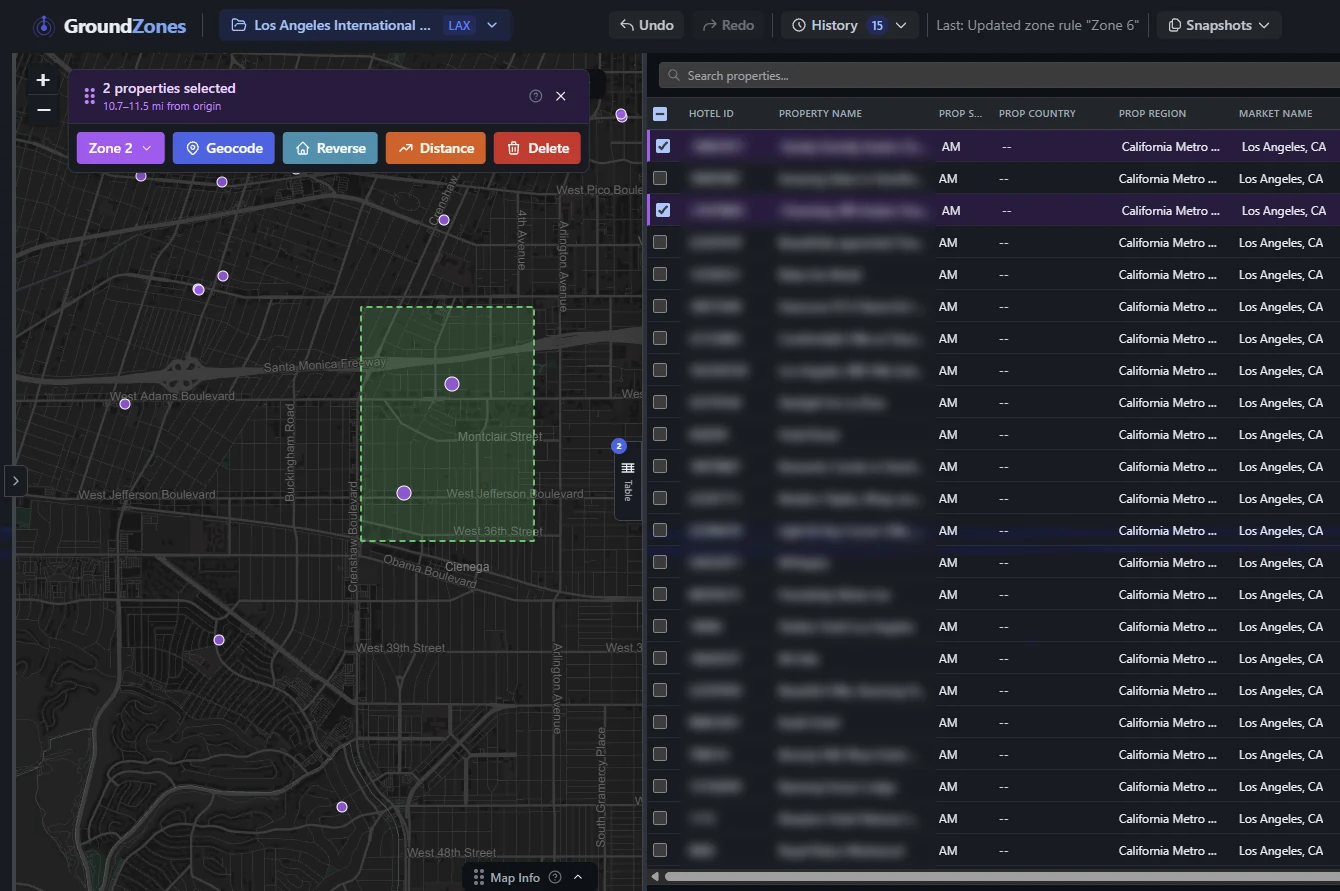
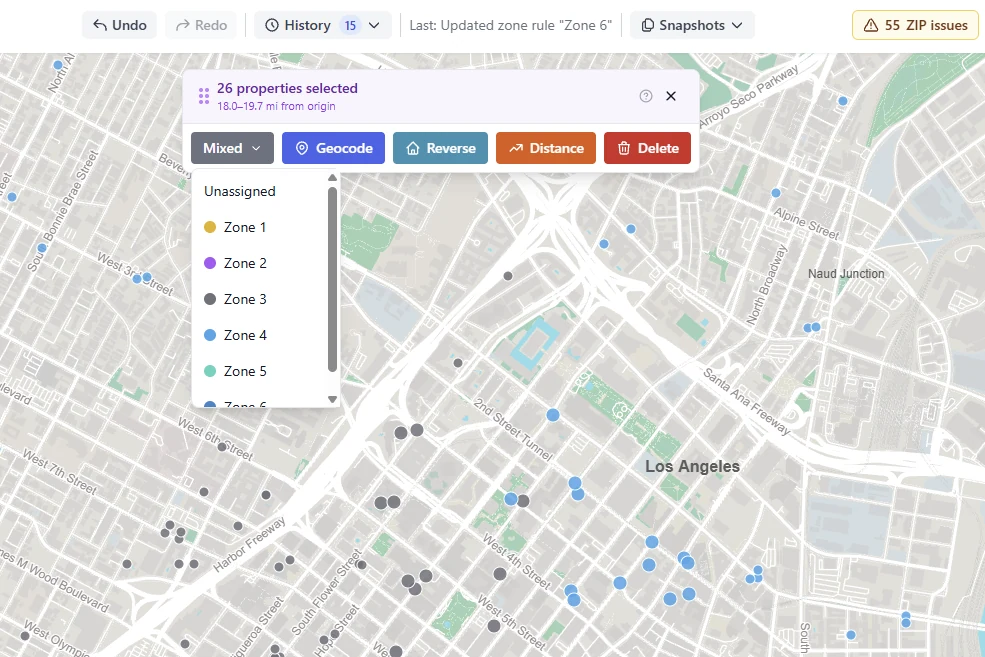
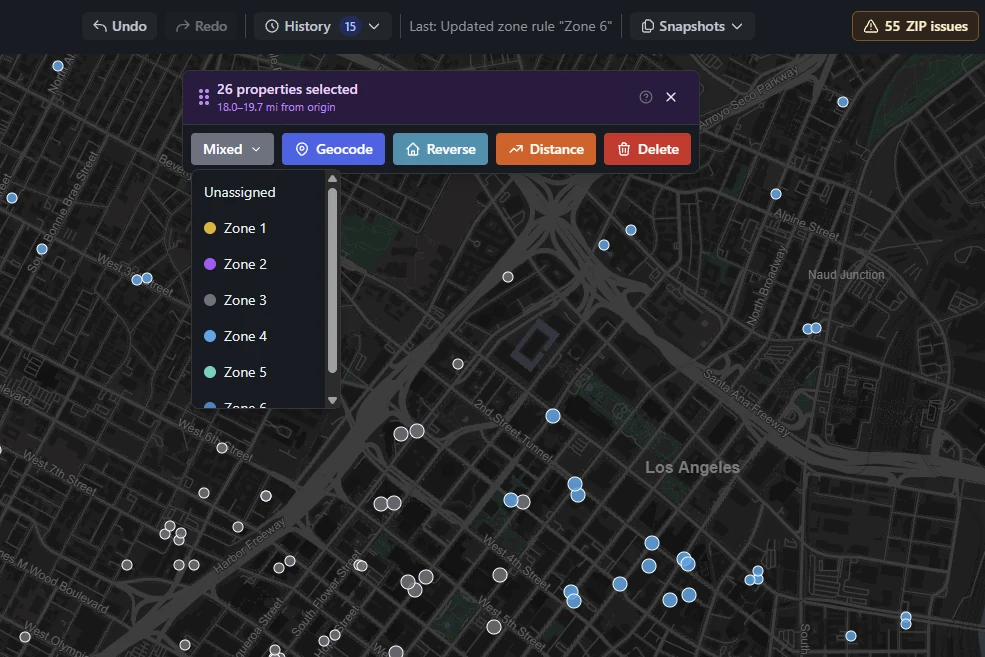
Drag a box over a district to select every hotel inside it. Ctrl-drag to add another block, shift-drag to take one back out, ctrl-click to grab a single stray. Then pick a zone once and the whole selection moves. This is the fastest path for the messy parts of a market that no rule describes cleanly.
- Box-select, add-to-selection, and subtract-from-selection on the map
- Reassign every selected hotel to a zone in a single action
- Batch geocode, batch distance, or batch delete the same selection
- Live progress while a large batch runs - the tab does not have to stay open
Zone rules
Let a rule do the first pass, then fix the edges by hand.
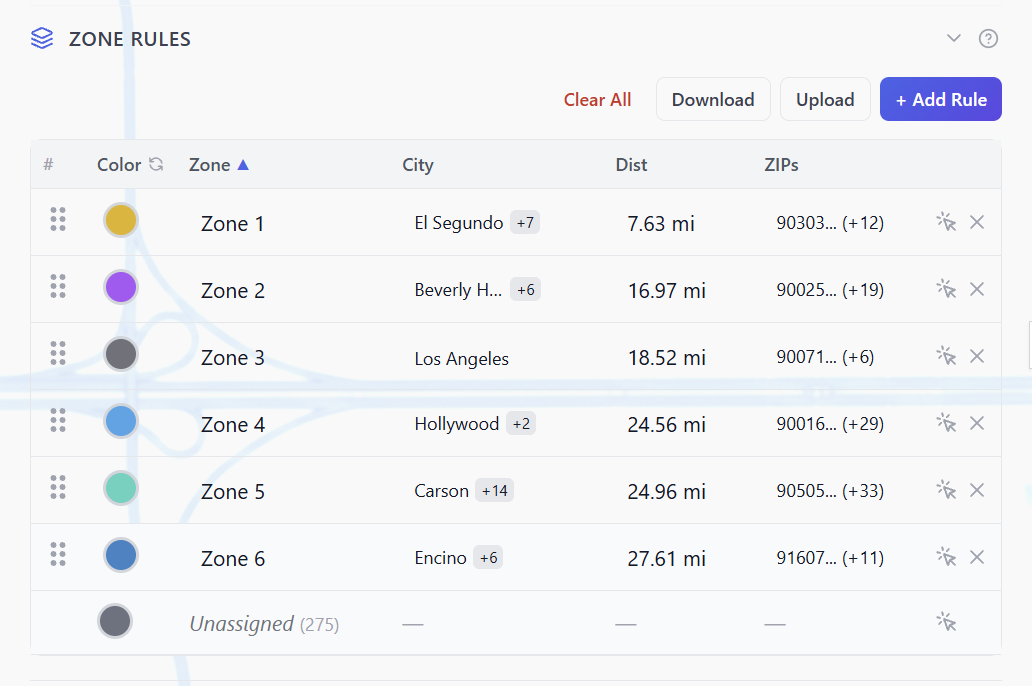
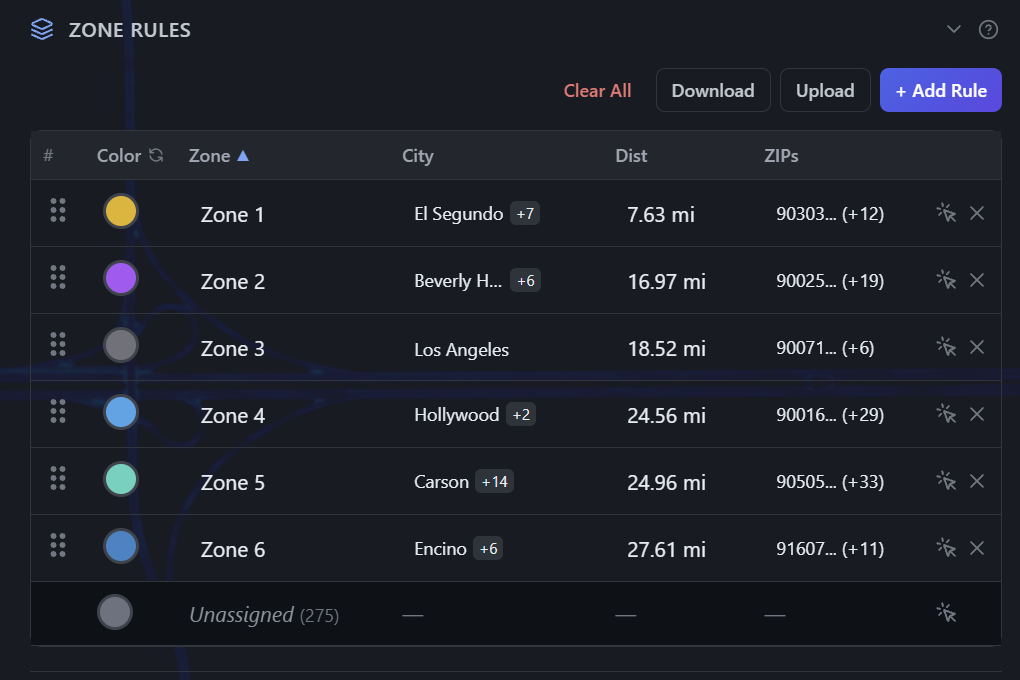
Build a rule table for the airport: distance bands measured from the terminal, polygons you draw around a district, or plain lists of ZIP codes and cities. Apply them and the map recolours; where two rules both claim a hotel it goes to the tighter zone, and one Undo takes the whole run back. Rules are optional - plenty of markets are faster to zone by hand on the map.
- Distance bands from each zone's maximum, optionally bounded to a city
- Hand-drawn polygons for districts a radius cannot describe
- ZIP code and city lists for markets you already have mapped out
- One undo reverses a whole run, and a check finds any ZIP split across zones
Import, merge, export
Your columns in. Your columns back out.
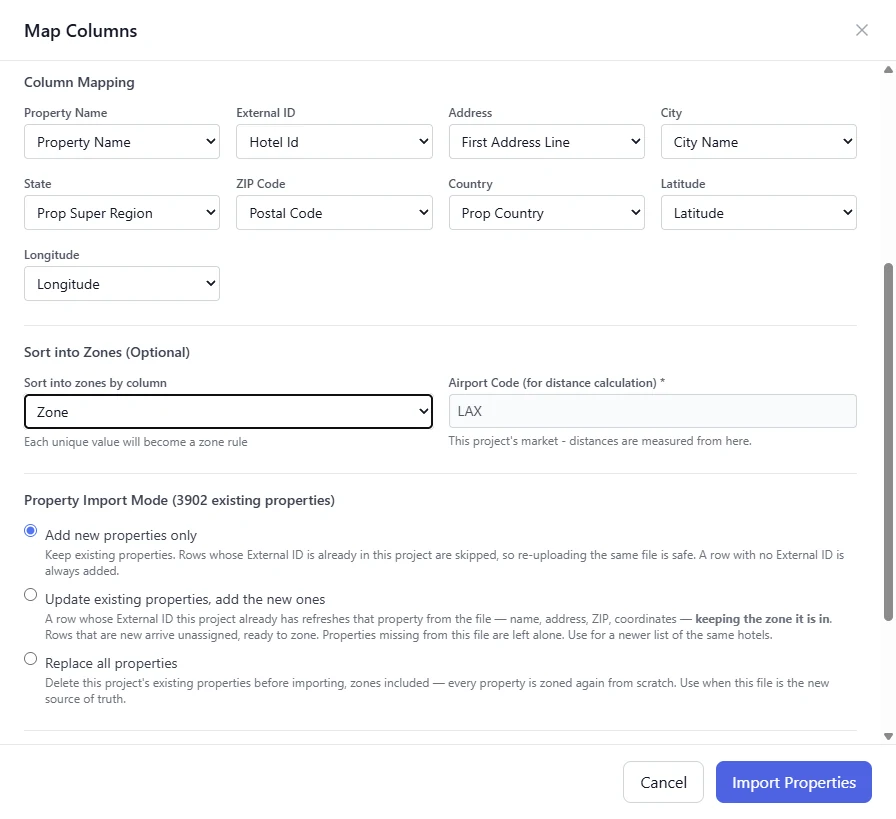
Upload a CSV or XLSX and your columns are matched from their headers; confirm them and import. When Expedia sends an updated roster, merge it into the file you already zoned: hotels already in it, matched by their hotel ID, stay put with their zones, and only the new ones need attention. Exports come back with the original headers in the original order, zones filled in, so nothing needs reformatting downstream.
- CSV and XLSX in, CSV and XLSX out
- Columns matched from your headers, for you to confirm
- Merge a new roster into an existing project; hotels matched by ID are skipped
- Export preserves your original headers and column order
The rest of it
The small things that save the afternoon.
None of these are why you'd sign up. All of them are why you'd stay.
Any airport as the origin
Pick the airport from the list, by city, name or IATA code, and the origin is set. Distances are measured from the terminal, not from the middle of the airfield, so the number matches the drive a passenger actually takes.
Undo and redo
Zone changes, geocodes, and rule edits are all tracked. Step back through them one at a time, or open the history panel and see the whole trail.
ZIP mismatch check
When a hotel's listed ZIP code disagrees with where it actually sits, it gets flagged with a suggested fix - apply it, or dismiss it as geocoder noise.
Bulk clean-up tools
Geocode a whole file at once, resolve raw coordinates back to addresses, or calculate driving distance and time for a batch of properties.
Your team, no seat fees
Up to 5 users on every plan, you included. Invite colleagues as admins, members who edit, or viewers who can look and export but change nothing. The plan stays with the account owner, so adding a person never changes the price. Need more people? Ask us.
A map you can tune
Marker size, zone visibility, layer order, and viewport are all yours to set - and each project remembers how you left them.
Try it on a real file.
Your first 14 days are free - unlimited hotels, the full map, the full history, no card. Upload the file you were about to open in Excel.